Names every stem
"3-Audio" becomes LEAD VOX. "Cymatics – Kick 909 Click Layer" becomes KICK. Template slots become HARMONY 1 L and R. Scored on 3,716 public sessions, with an ear for the tracks that say nothing.
SENT turns your open Ableton or Logic session into a delivery an engineer can mix: every stem named like an engineer would, dry vocals with every plugin off, print stems, and a report. The stem names stay on your tracks.
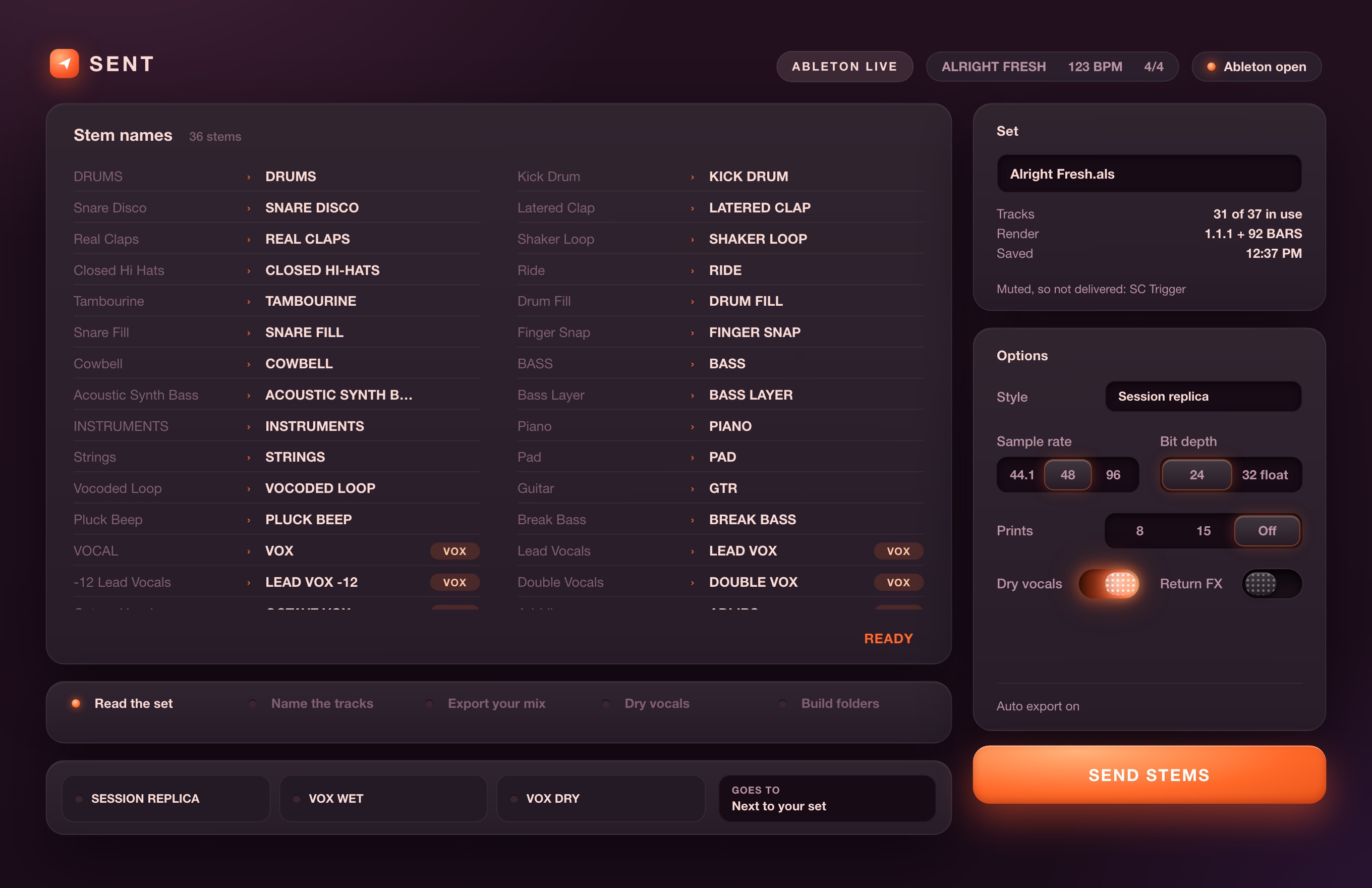
Exporting stems the right way means renaming tracks, bypassing vocal chains, exporting twice, sorting folders and checking every file lines up. SENT does all of it from the session you already have open.
"3-Audio" becomes LEAD VOX. "Cymatics – Kick 909 Click Layer" becomes KICK. Template slots become HARMONY 1 L and R. Scored on 3,716 public sessions, with an ear for the tracks that say nothing.
Every plugin on every vocal track, vocal bus and vocal sum goes off for the dry pass. Auto-Tune and Melodyne included. SENT checks they are off before you export.
No copied sets, no extra tracks left behind. The stem names stay on your tracks. In Ableton, SENT snapshots every plugin and mute first, puts them back after, and checks it did.
Switch on 8 or 15 track prints: MIX, INST, ACAP, DRUMS, BASS, LEAD VOX, BGV, VOX FX and returns, routed so they sum back to your exact mix.
A page in every delivery: tempo, length, format, every file and the track it came from, peak level, silent and mono-in-stereo flags, and the plugins switched off for the dry pass.
SENT never processes a stem. It moves and names exactly what your DAW rendered. It runs on your Mac; nothing is uploaded.
SENT reads the bus a track sits in, the sample or patch it plays, and where it sits in the song. When nothing says what it is, it listens. You can click any name and change it.
Every file starts at 1.1.1 and runs the same length, with two bars of tails. SENT checks that before it hands you the folder, and the folder lands inside your project, never loose on the desktop.
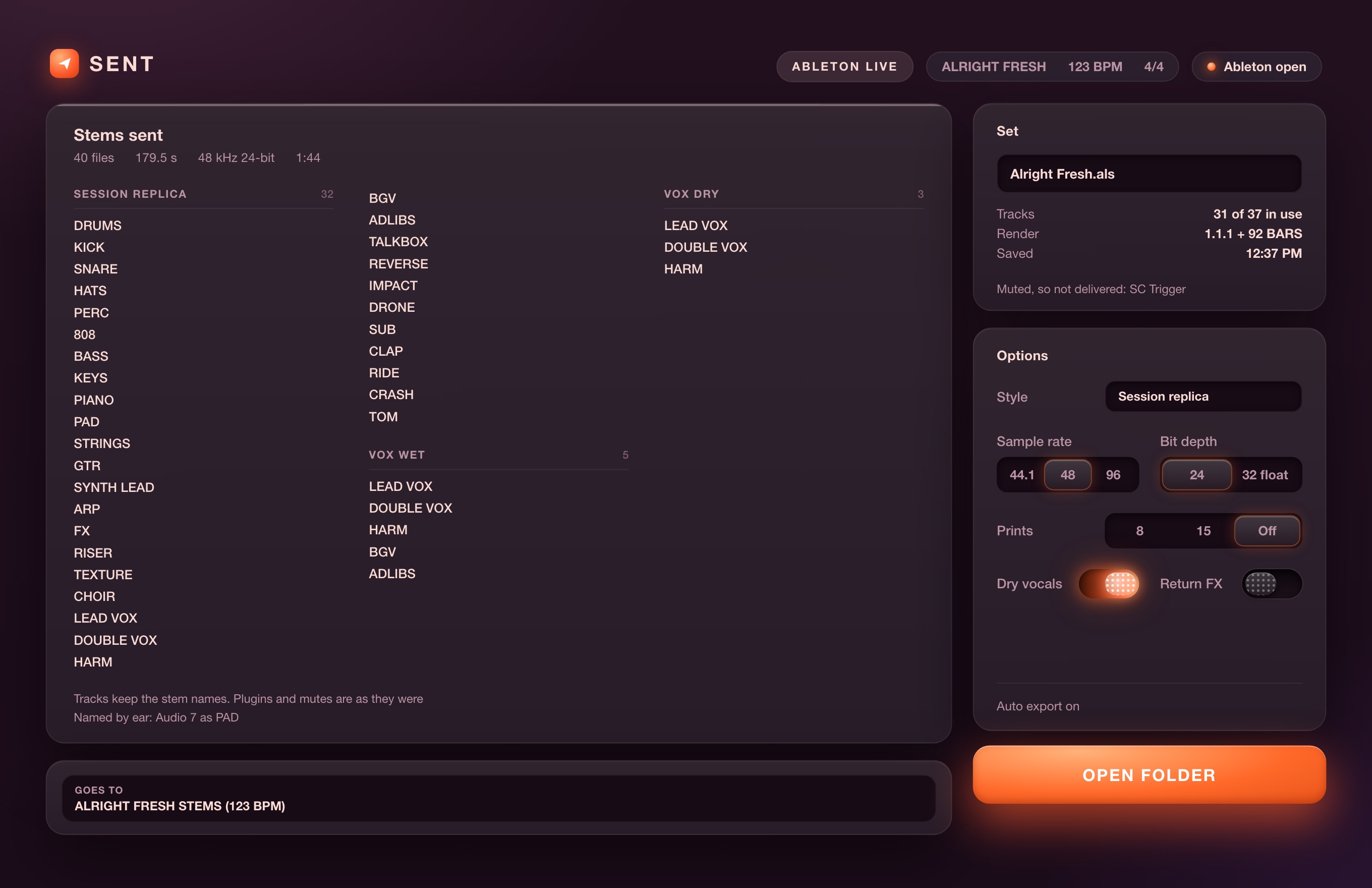
SENT sees the set Ableton has open: a session you just saved, a Save As, a set started from your template. Unsaved changes? It asks for Cmd+S and carries on by itself.
SENT names your tracks, then exports your mix and the dry vocals. With auto export on, it presses Export in Ableton for you. Without it, it shows you exactly what to press.
Named stems, dry vocals, prints and the report, sorted inside your project. The stem names stay on your tracks.
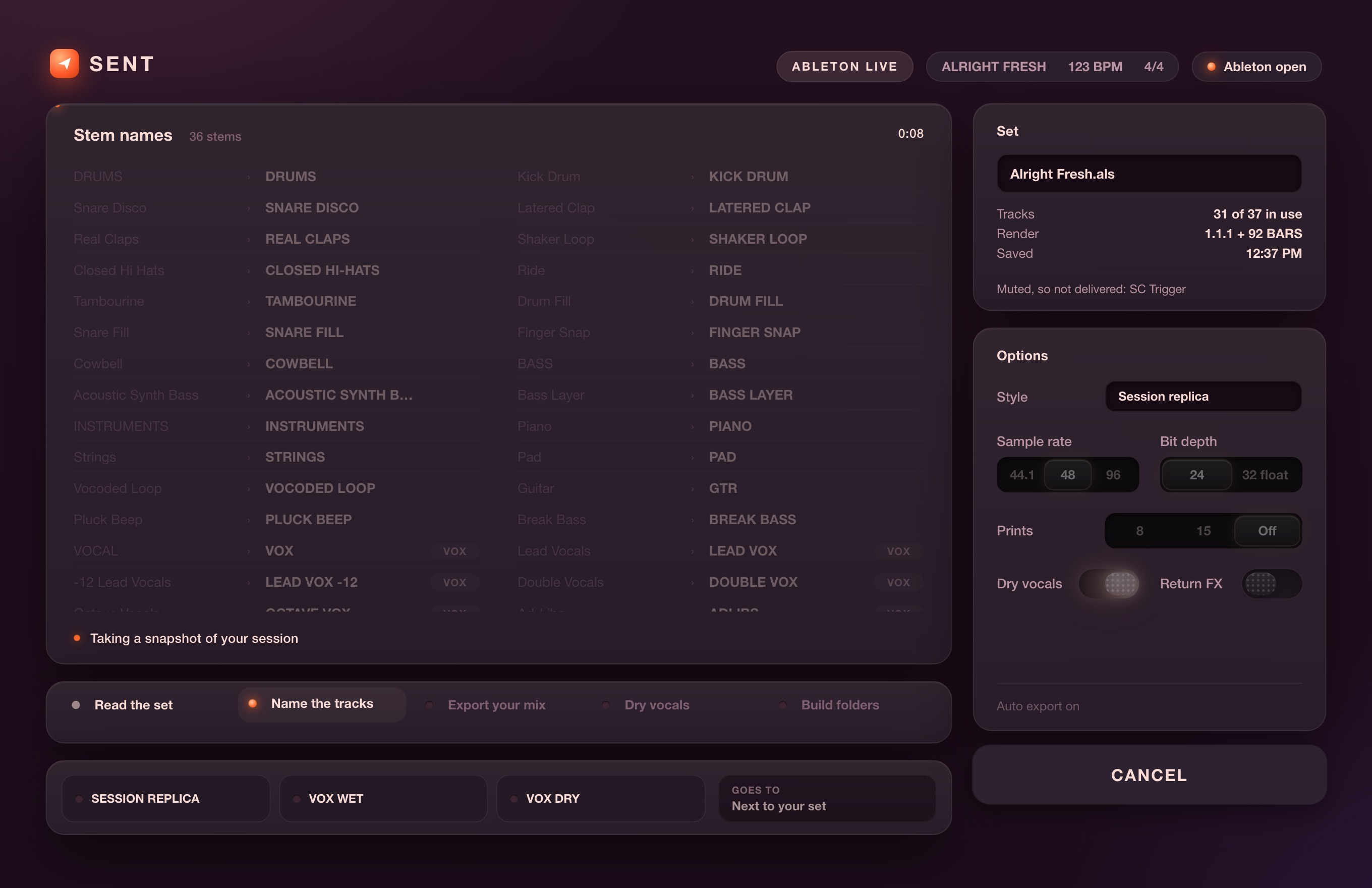
Yes, on purpose: the stem names stay on your tracks, so you keep working with them. Vocal plugins are switched off only for the dry export. In Ableton SENT records every plugin and mute first, puts them back and checks they match. Any print tracks it adds for the export come back out.
No. The stems are exactly what Ableton rendered. SENT moves and names them, and nothing else.
That is the point. SENT names tracks from the bus they sit in, the sample or patch they play, how they sit in the song, and by ear when nothing else says what they are. Any name you do not like, click it and type your own.
Engineers want the raw takes. SENT switches off every plugin on your vocal tracks, buses and sums, pitch correction included, exports again, and keeps those files in VOX DRY next to the processed ones in VOX WET.
SENT runs Ableton Live and Logic Pro hands-free on the Mac. From any other DAW, drop a folder of exported stems into SENT and it names, sorts and checks them. Not on Windows.
No. SENT runs on your Mac and never uploads audio or session data.
ZEEK is a producer and mixer whose credits include Coldplay's FIFA World Cup 2026 Halftime Show. SENT started as the stem routine he ran by hand on his own sessions, and its naming is scored on 3,716 public sessions. zeeksound.com
Mac · Ableton Live 12 · Logic Pro 11